

Luminessence
Your photos. Your Dropbox. Your phone stays light.
In A Nut Shell
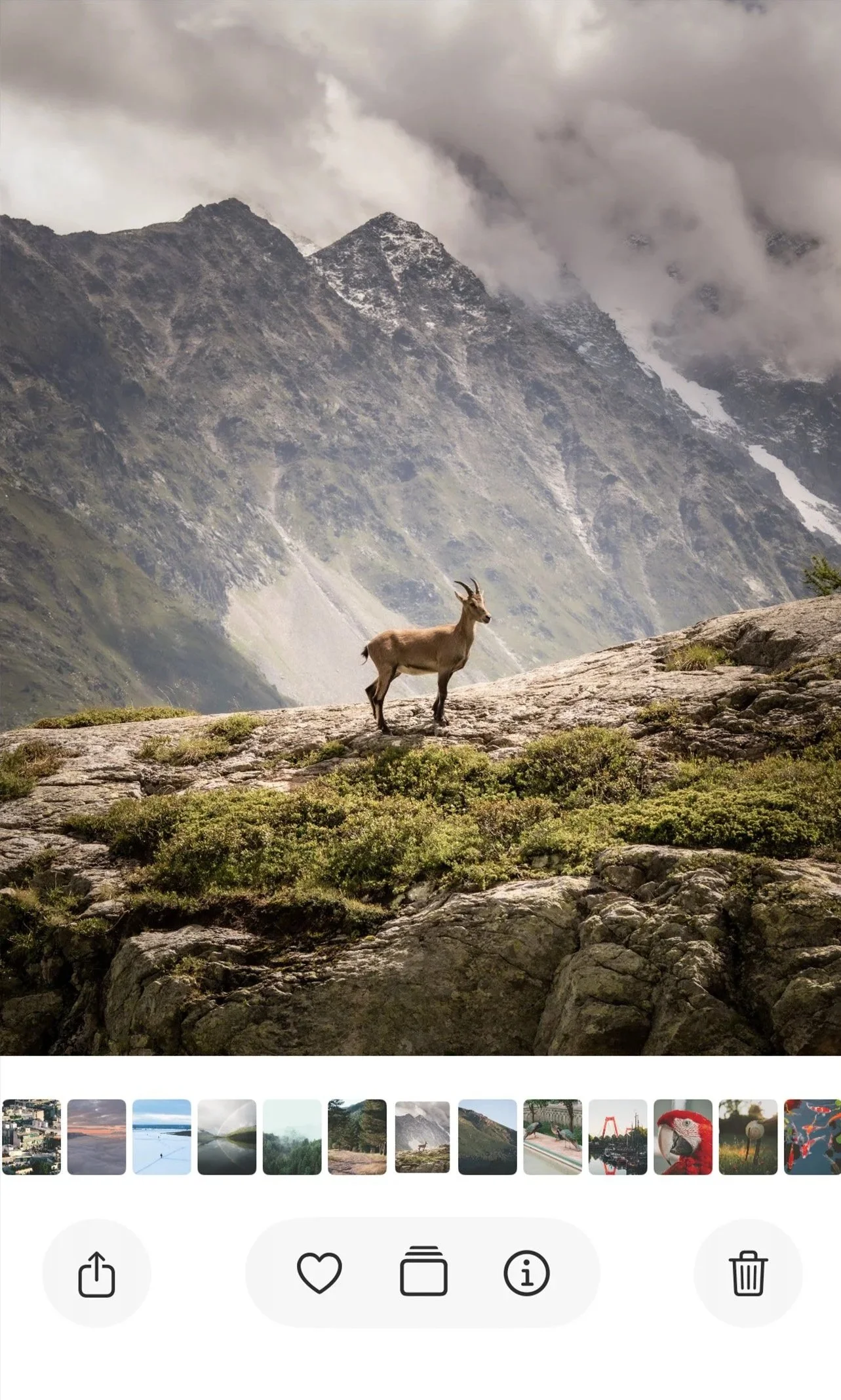
Luminessence is a photo library for people who already back up to Dropbox and are tired of the iPhone filling up. It treats a Dropbox folder as the real library, shows it like Photos, and only keeps what it needs on the device.
Who it is for
People who use Dropbox Camera Uploads or a family Dropbox folder as the archive
Couples who want “my phone” and “their folder” without mixing rolls
Anyone who wants Google Photos–style browsing without another paid cloud
People who travel, shoot a lot, and need the camera roll cleared
It is not a social network. There is no Luminessence account. You sign in with Dropbox.
What it Does
Library
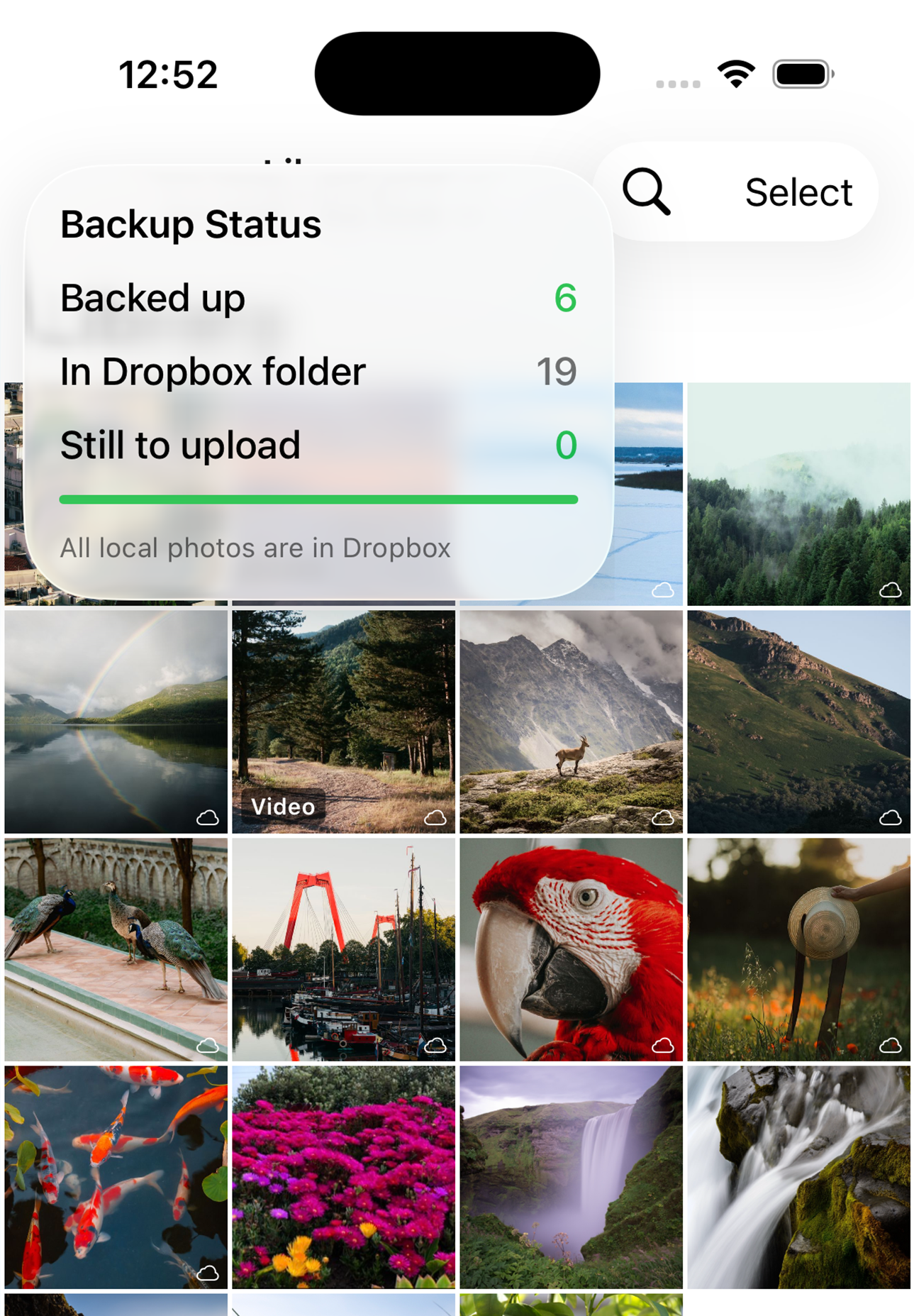
A four-across grid of your chosen Dropbox folder, mixed with local shots when that folder is also your backup target. Pinch to 2–8 columns. Month clusters when you zoom out. Offline thumbs so the grid still works on a plane.
Backup
New photos and videos on the iPhone can upload into the folder you set as Backup. Wi‑Fi-only if you want. A small cloud in the library shows what is still waiting.
Two folders
Viewing folder and backup folder can be different. Look at a partner’s gallery without dumping your camera roll into it. Delete from Dropbox only when you are looking at the backup gallery.
Collections
Albums and Favourites, including ones that already exist in Apple Photos. Multi-select to favourite, album, share, download, or delete.
Map
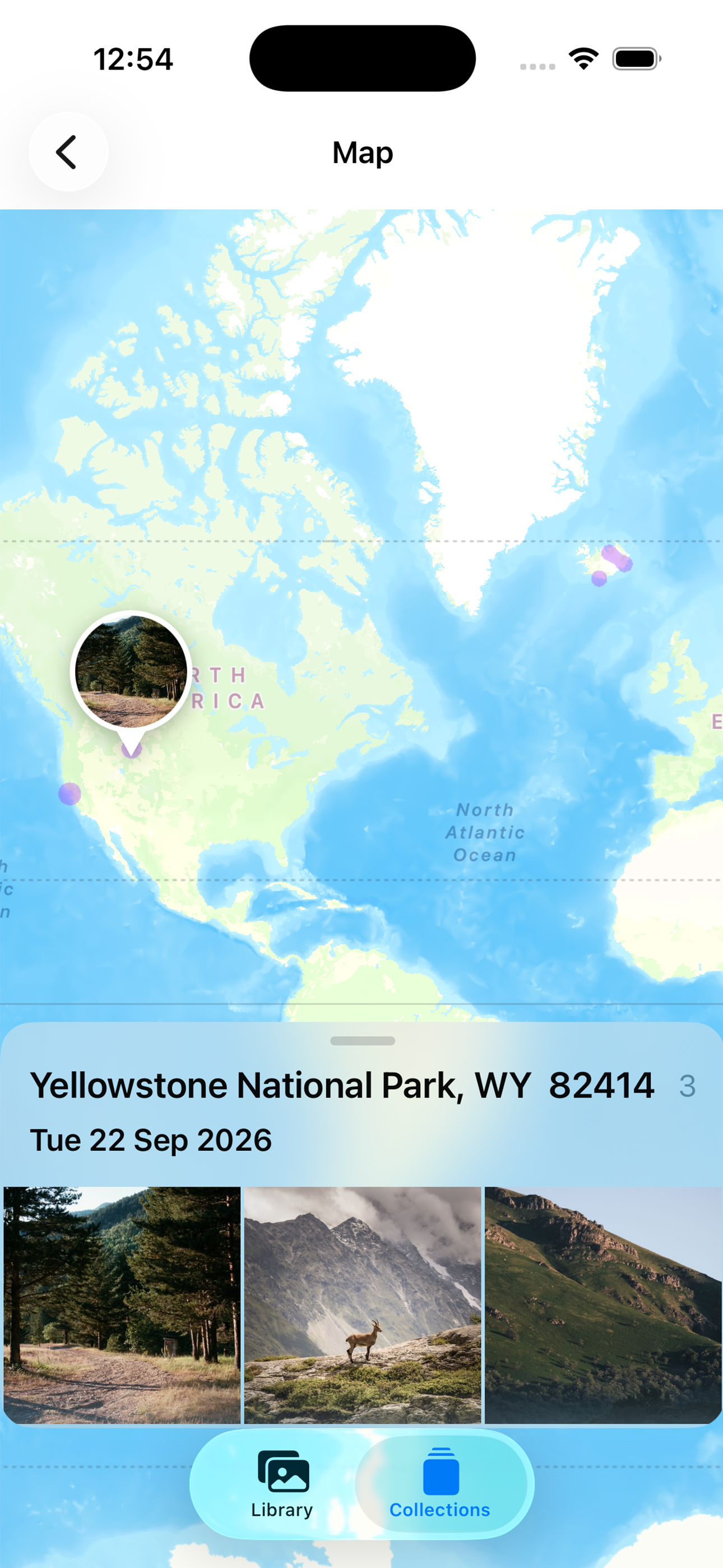
Photos with GPS on a heat-style map. Tap through to the same fullscreen viewer.
Search and memories
Keyword search, On This Day, and highlight reels built from dates, places, and quality scoring. Notifications can be daily or every few days.
Fullscreen
Photos and video, pinch-zoom, filmstrip, share sheet (AirDrop included), download to the phone, or remove the local copy and leave the file in Dropbox.
How storage stays small
The master files live in Dropbox. The phone keeps:
Thumbnails for fast scrolling
A local metadata file (dates, GPS, links between a Dropbox file and a Photos asset)
You can download a full image when you need it. You can delete the local copy later. The Dropbox file stays unless you delete it on purpose.
Setup in one sitting
Sign in with Dropbox.
Pick or create a folder.
Set it as Viewing, Backup, or both.
Allow Photos access if you want backup and album sync.
Someone else with the same Dropbox app can point at their own folder. They never see yours.
What it is not
Not a replacement for professional DAM. Not a shared family stream with comments. Scene tags and “sunset / beach” memories are best-effort on-device, not Google-level. Video and EXIF crawl run in small batches so the library stays usable.